Tools comparison
CutList Apps vs Spreadsheets For Cabinet Makers
Where spreadsheets are still useful and where a visual cut list optimizer saves more time.
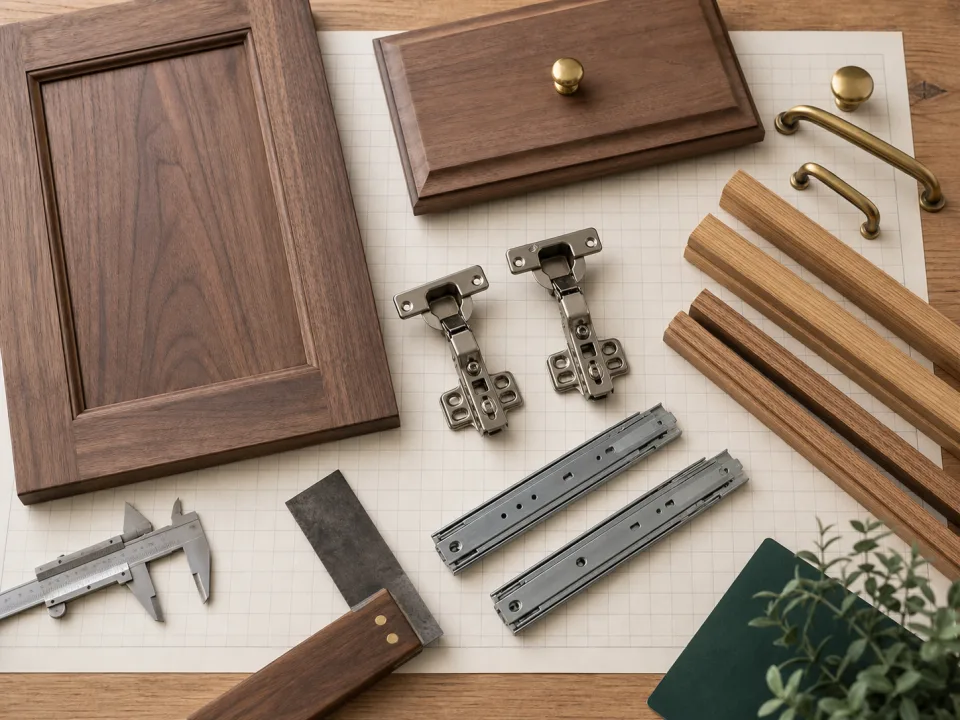
Research Lens
Where should spreadsheets stop and spatial optimization begin?
Spreadsheets are strong for estimating logic and quantity derivation. They become fragile when the problem becomes spatial: kerf, rotation, sheet boundaries, and visual review belong in a layout interface.
Decision Metrics
Spreadsheets Are Good At Repetition
A spreadsheet is still a strong place to calculate box quantities, door sizes, and pricing assumptions. It is familiar, flexible, and easy to audit when the formulas are clean.
Spreadsheets Are Weak At Spatial Layout
Once parts need to fit on physical sheets with kerf, rotation, and grain rules, cells stop being a natural interface. The maker needs to see the board, not just the totals.
Visual Layout Reduces Second Guessing
A CutList-style optimizer shows how the material is consumed. That makes it easier to catch a strange part, a wrong quantity, or an offcut that could be reused.
The Best Workflow Uses Both
Use spreadsheets for estimating logic and a visual optimizer for sheet layout. The handoff point should be a clean parts list with dimensions, quantities, material, and rotation rules.
Field Checklist
- Keep estimating formulas in one place.
- Export a clean parts list.
- Review the visual sheet layout.
- Save the final plan with the job record.
Project Application
A cabinet maker uses a spreadsheet to calculate box quantities, then manually sketches parts on paper to see whether they fit on plywood. The estimate is fast, but the spatial layout is still guesswork.
A spreadsheet can total five shelves at 30 x 18 inches, but it does not show whether those shelves fit beside two 34.5 x 23.25 inch side panels after kerf and grain restrictions.
The common mistake is using area totals as proof that a sheet will work. Rectangles can have enough total area and still fail because of shape, rotation, or cut order.
Keep formulas in the spreadsheet if they help estimating, then move dimensions into the CutList app or online calculator for sheet layout.