PDF workflow
Exporting A CutList PDF For Home-Center Or Shared-Shop Cutting
How DIY builders can use printable cut layouts when the first rough cuts happen away from their own workspace.
Research Lens
How can a personal builder use CutList to finish exporting a cutlist pdf for home-center or shared-shop cutting with fewer mistakes?
The hobby workflow is strongest when the app is used as a planning checkpoint: define the project, enter accurate stock and parts, generate a visual layout, then use cost, waste, grain, kerf, PDF export, project history, and offline access to control the real cutting session.
Decision Metrics
Decide Which Cuts Are Rough
Home centers may only make rough breakdown cuts. Use the CutList layout to identify large safe cuts and keep precision cuts for your own tools.
Export For Communication
CutList Pro supports PDF export and AirPrint. A printed plan is easier to discuss at a counter or shared shop than a memory of dimensions.
Protect Final Fit
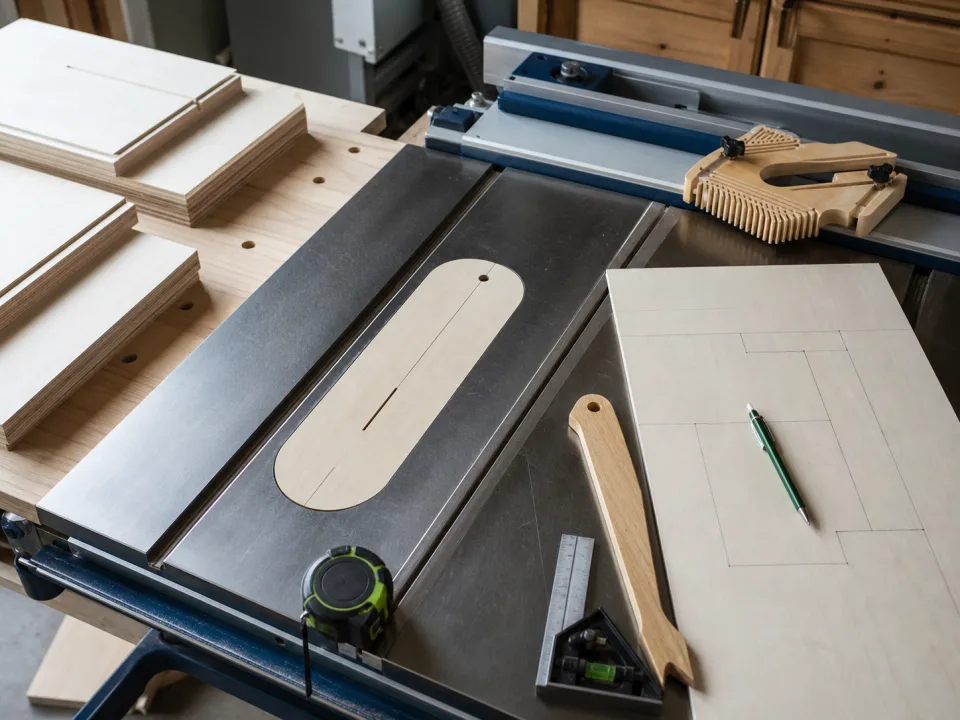
For furniture, leave final sizing and visible parts under your control. The PDF is a planning aid, not a guarantee that every third-party cut will be finish-ready.
Store The File With The Project
Keep the saved project and exported cut list together so replacements use the same assumptions.
Field Checklist
- Separate rough cuts from final cuts.
- Export or print the layout.
- Keep final fit cuts at home.
- Store the PDF with the project.