First project
Your First Plywood Project: A CutList Checklist
A beginner-friendly path from sketch to shopping list to optimized cuts using CutList on iPhone.
Research Lens
How can a personal builder use CutList to finish your first plywood project: a cutlist checklist with fewer mistakes?
The hobby workflow is strongest when the app is used as a planning checkpoint: define the project, enter accurate stock and parts, generate a visual layout, then use cost, waste, grain, kerf, PDF export, project history, and offline access to control the real cutting session.
Decision Metrics
List Panels Before Opening The Saw
Write every part name first: sides, top, bottom, shelves, backs, dividers, and doors. A clear parts list is the foundation.
Set Units And Kerf
CutList supports inches with fractions and millimeters. Choose the unit system you cut with and set kerf before generating.
Inspect Before Cutting
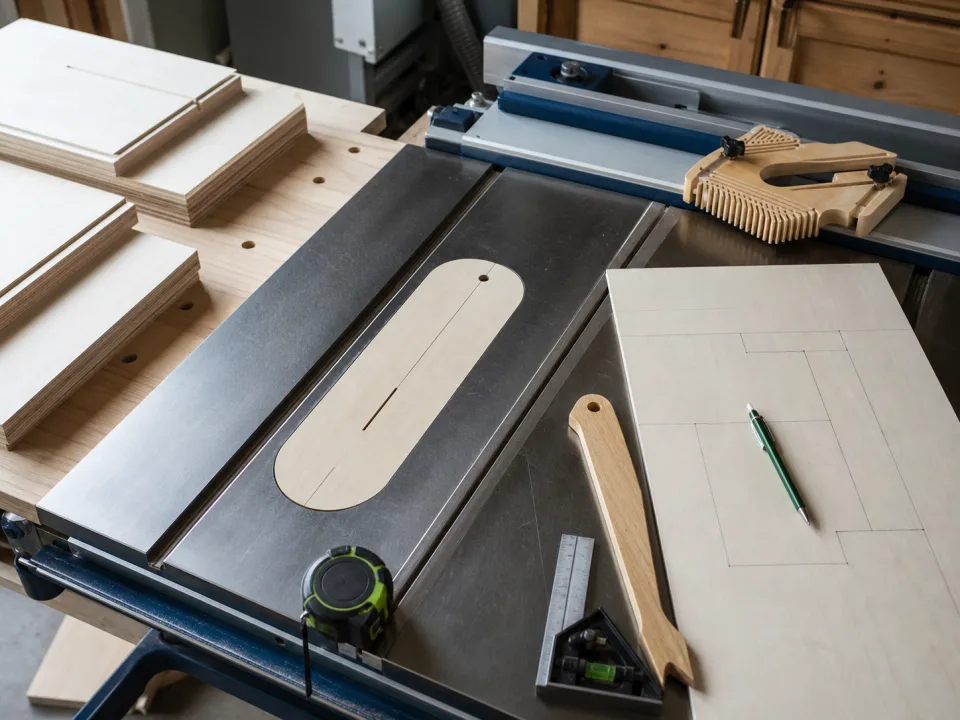
The visual layout is a review tool. If a part looks wrong, fix the data before the blade reaches the sheet.
Save The Project
Project history helps if you damage a part, need a replacement, or want to build the project again later.
Field Checklist
- List all panels by name.
- Set units and kerf.
- Inspect the visual layout.
- Save before cutting.